How to Actually Use a Planner (Instead of Buying Another One)
You don't need a prettier planner. You need a system. Here's how to actually use a daily planner so it works past week two, and what to do when it doesn't.
You bought the planner in January. By February it was an expensive decorative object on your desk. By March it was in a drawer. You're now reading this because you're considering buying a different one and you suspect, correctly, that you'll do the same thing again.
The problem isn't the planner. The problem is that nobody teaches you how to use one. Bookstores sell the artifact, not the operating system. So you flip through gorgeous spreads on social media, pick the one with the nicest fonts, fill it in for nine days, miss a Tuesday, feel guilty, and quit.
Planners don't fail people. People fail planners, but only because nobody told them the rules of the game.
Here's how to actually use one.
The planner only works if you check it twice a day
The single most common reason planners fail is that people fill them out and never look at them again. Writing down "9am, gym, 11am, call dentist, 2pm, finish report" is not using a planner. That's journaling about the day you intended to have.
A planner works on two touches a day:
- Morning touch (5 minutes). Open it before you check email. Look at what you wrote yesterday for today. Adjust based on reality (something always shifts). Pick the top 3 things that must happen today.
- Evening touch (3 minutes). Open it again before you log off. Cross off what got done. Move what didn't. Write tomorrow's top 3.
That's it. Eight minutes a day. If you can't commit to eight minutes a day, the planner won't save you, but neither will any other tool. Productivity software doesn't have a fix for "I refuse to look at my plan."
The morning and evening touches are non-negotiable. Skip them and the planner is a journal. Do them and it becomes the most useful object on your desk.
Pick the rhythm that matches your life
People buy the wrong planner because they imagine an aspirational version of themselves who lives in 15-minute time blocks. Then they meet their actual life, which doesn't fit the format, and quit.
There are roughly three planning rhythms, and you need to pick the one that matches the real you, not the imagined one:
- Daily planner. For people whose days are full of distinct blocks, meetings, appointments, gym, kids, deep work sessions. You think in hours. You need a page per day to fit it all.
- Weekly planner. For people whose work is project-shaped rather than appointment-shaped. You think in deliverables. A two-page weekly spread with task lists per project and a few key time blocks is plenty.
- Hybrid. For people who have both, a few hard appointments and a lot of flowy work time. A weekly view for the shape, with one daily-focus column for "today's three things."
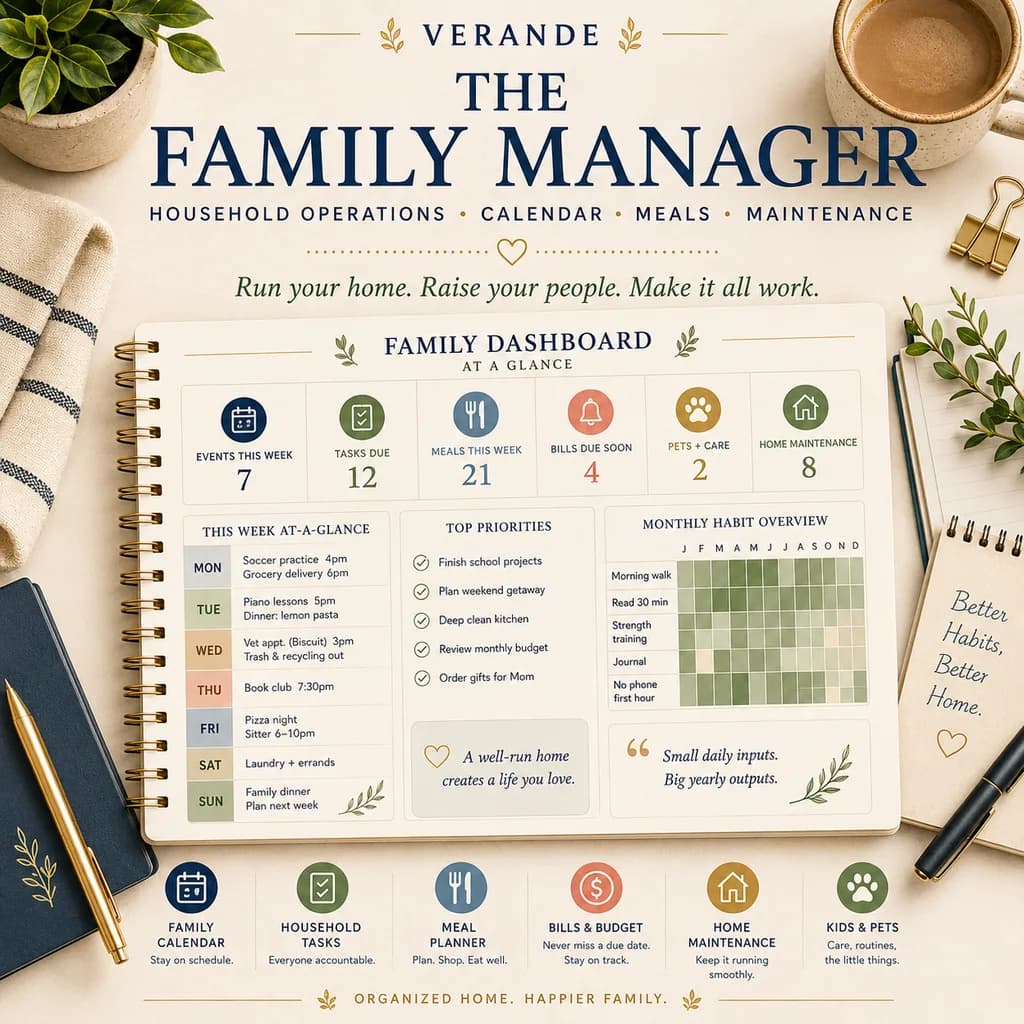
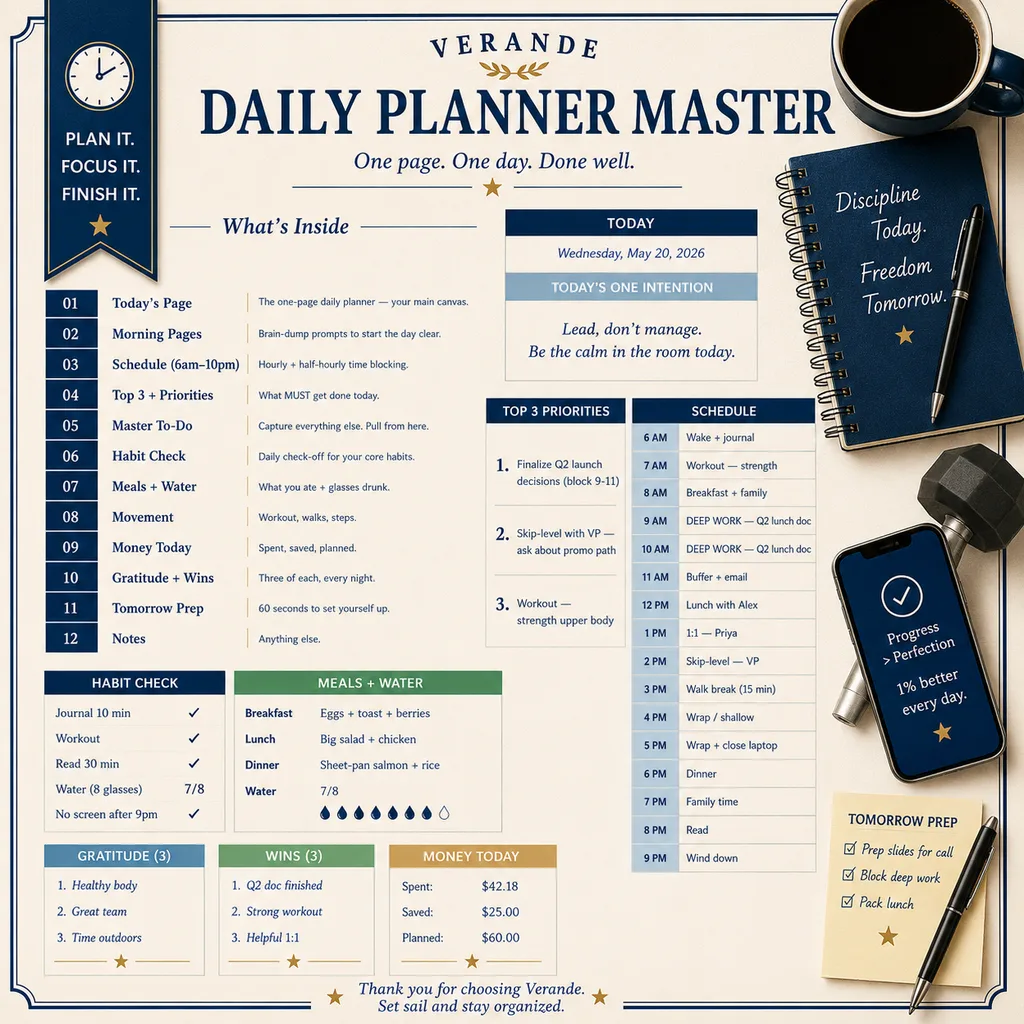
If you're a parent juggling kid schedules, doctor appointments, and your own work, you almost certainly want a daily rhythm because the day has too many moving pieces to capture weekly. The Daily Planner Spreadsheet is built for exactly that density, time-blocked schedule, top 3 priorities, water and habit tracking on the same page, and a brain-dump section so the "I should remember to…" thoughts have somewhere to land instead of cycling through your head all afternoon.
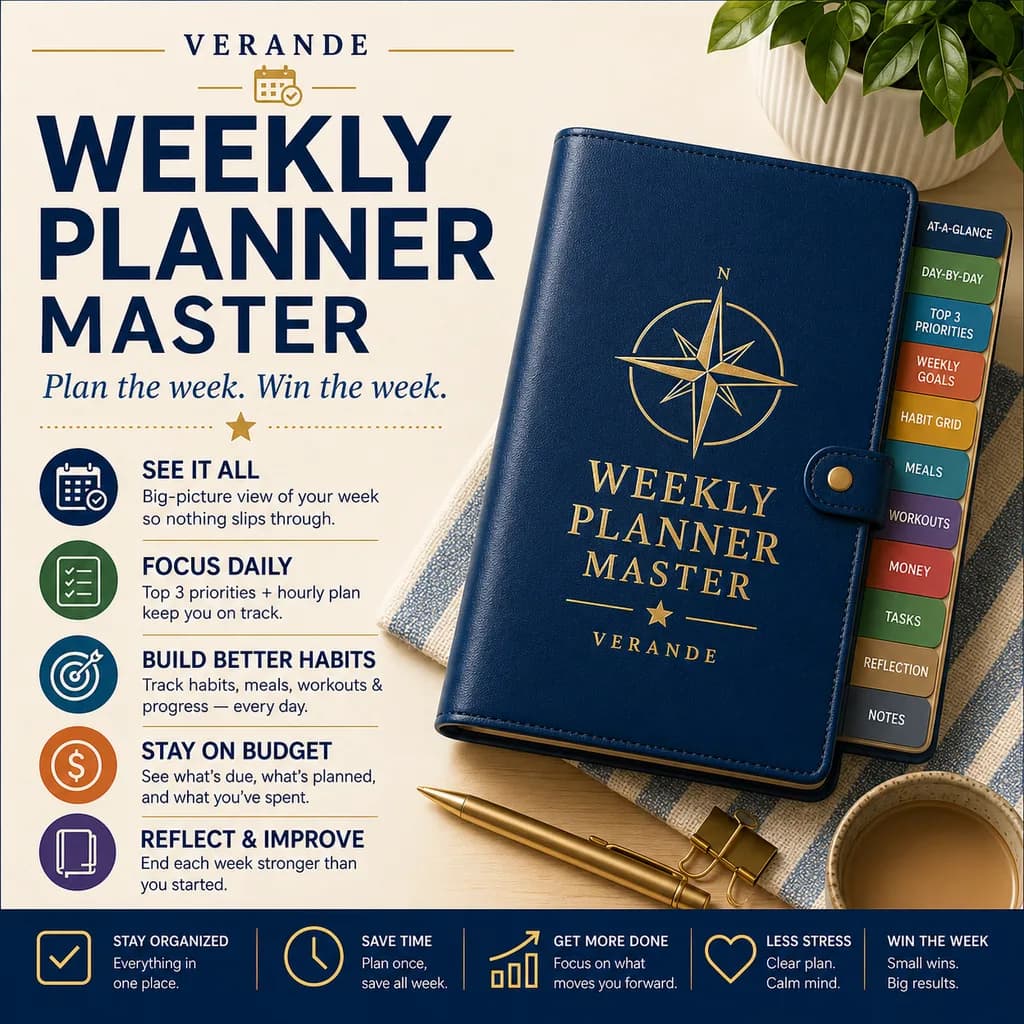
If your work is more project-shaped, designers, writers, consultants, founders, anyone whose day is mostly self-directed, the Weekly Planner Spreadsheet gives you the right altitude. You see the whole week at once, plan against deliverables instead of hours, and don't drown in daily ceremony.
Pick one. Try it for three weeks. If it's wrong, switch. Don't try to use both at the same time, you'll abandon both.
Separate the calendar, the task list, and the project list
The biggest design flaw in most pretty planners is that they mash everything into one column: "9am, pay electric bill, 10am, design review, 11am, call mom, 12pm, lunch, 1pm, work on Q3 plan."
That's three different categories of thing pretending to be the same:
- Calendar items have a time. They happen at 10am whether you want them to or not. (Meetings, appointments, classes.)
- Tasks need to get done today but the time is flexible. (Pay bill, send email, fold laundry.)
- Projects are bigger and span multiple days. (Q3 plan, kitchen renovation, podcast launch.)
If you mash them together, two things go wrong. First, tasks bleed into calendar time and you feel like the day broke. Second, projects either get force-fitted into 60-minute slots or never make it onto the page at all because they don't fit the format.
A planner that works keeps them visually separated. Calendar on the left or top, tasks in their own section, projects referenced from a different list. The Daily Planner Spreadsheet linked above does this natively, time blocks for calendar items, a prioritized task list beside them, and a "projects in flight" section that doesn't demand a time slot but does demand you look at it every day.
Track habits separately from tasks
If you try to put habits into your daily task list, two things will happen. Either the habits get crossed off as "tasks" and you stop noticing them as a streak, or they get lost in the noise of one-off to-dos and you forget which ones you're actually building.
Habits are different from tasks. Tasks are one-time. Habits are recurring identity work, the thing you're trying to become through repetition.
The right setup is a separate habit grid. Days down the side, habits across the top, a checkbox where they meet. Glance at it once a day, fill in the boxes, watch the streak grow. The visual of the chain is a real psychological lever, once you have a 14-day streak, you start protecting it.
The Habit Tracker Spreadsheet handles this with monthly grids, streak counts, and a simple "did I do the thing?" daily check. It's the right complement to a daily planner, the planner runs the day, the habit tracker tracks the patterns that compound over months.
A few habits work better than many. Pick three to five. Track them for 60 days. After that, you'll know which ones stuck enough to be on autopilot, and you can swap in new ones.
Goals on the wall, not buried in the planner
The deepest reason people abandon planners isn't habit or design, it's that the planner has no connection to the things they actually care about. The day fills with errands and meetings and emails, and the big stuff, the book you want to write, the business you want to start, the weight you want to lose, the relationship you want to repair, never makes it onto the page because there's no obvious slot for it.
The fix is to keep goals visible, separate, and revisited weekly. Not in the daily spread (they'll get crowded out) but on their own surface that you look at every Sunday when you plan the week.
The Goals & Intentions Spreadsheet is built as that companion surface. You write the goal, define what "progress" actually looks like (not "lose weight" but "lose 8 pounds by August 31"), break it into monthly milestones, and review it weekly. When you sit down Sunday to plan the week, you ask: "what did I do toward each of these last week, and what will I do this week?" That single question, asked weekly, in writing, is the difference between goals that progress and goals that just live in your head.
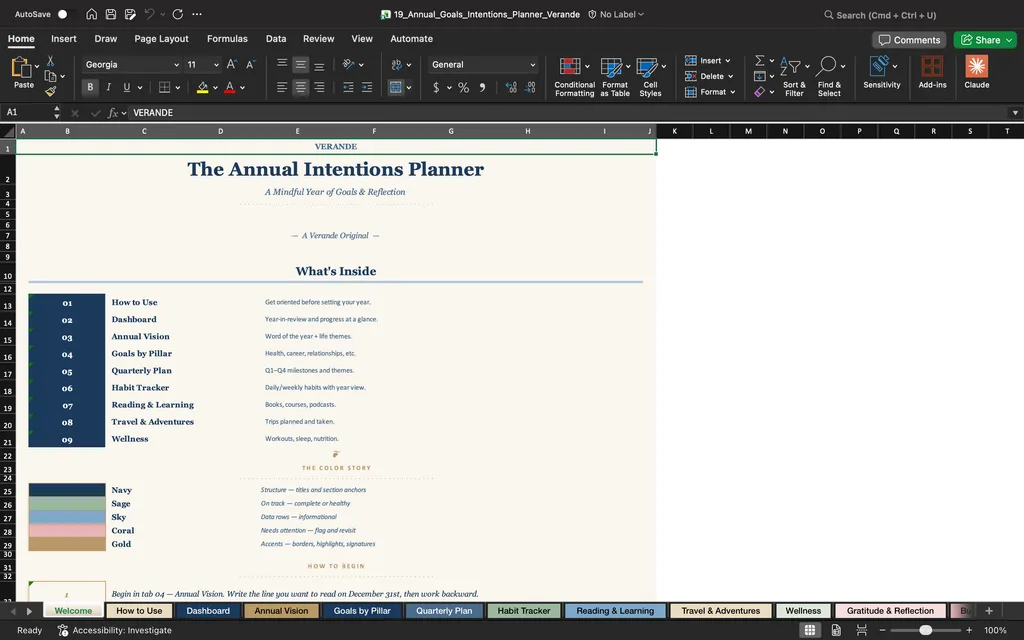
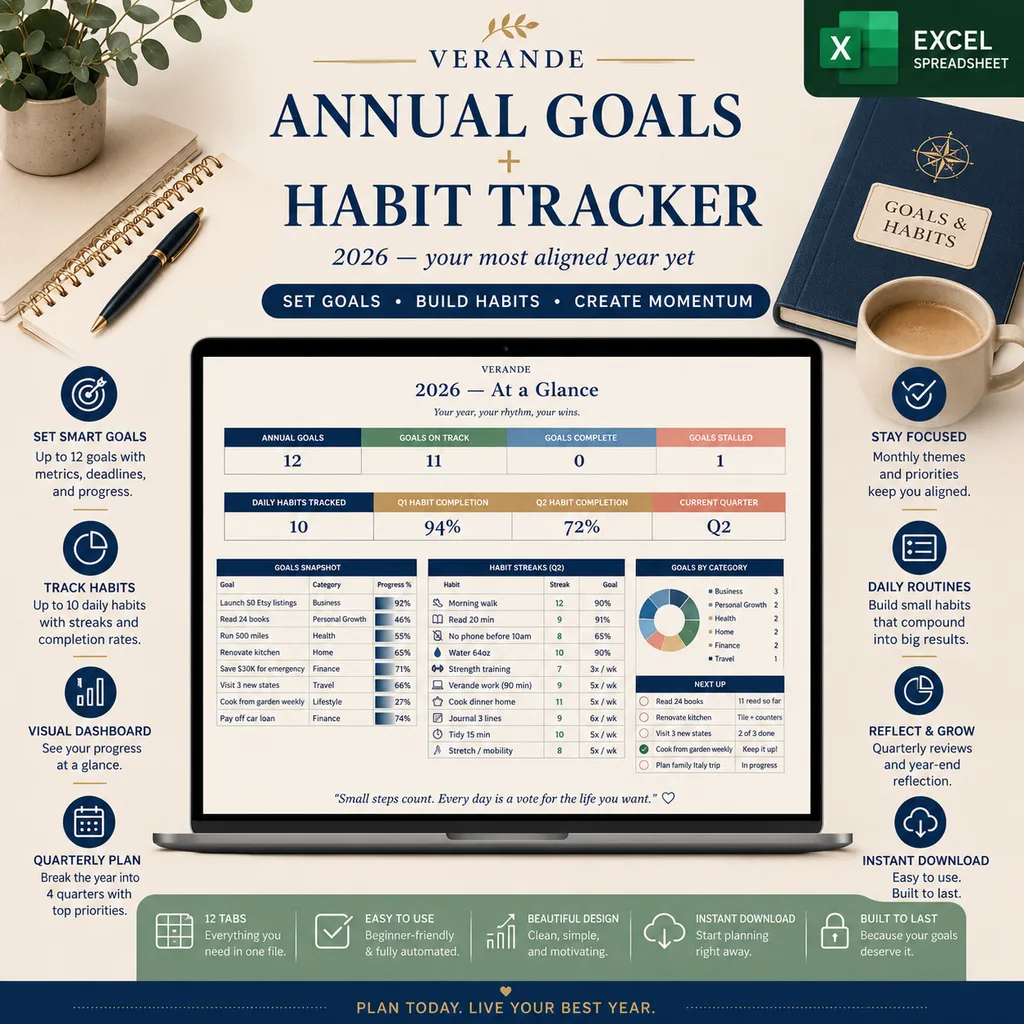
For a more strategic annual view, the Annual Goals Spreadsheet zooms out to the full year, 12 monthly themes, quarterly checkpoints, a "what I'm intentionally not doing this year" section, and end-of-year review prompts. Pair it with the daily and habit tracker and you've got planning at every altitude: year, month, week, day.
When you fall off, restart on Monday, not "tomorrow"
Every planner user falls off. Eight days in, life happens, you skip a few days, and the empty pages stare at you accusingly. This is the moment 90% of people quit.
The trick: don't restart on Tuesday. Restart on Monday.
Tuesday restarts feel like patching. Monday restarts feel like a fresh week. The clean break is psychologically easier to commit to, and it sidesteps the guilt of trying to "catch up" on days you missed.
When you fall off:
- Don't fill in the missed days. Leave them blank.
- On Sunday evening, do your normal weekly setup as if nothing happened.
- Start Monday clean.
Doing this 4–6 times a year is normal. Doing it without the guilt spiral is the skill.
The system, not the artifact
You don't need a prettier planner. You don't need a different brand. You need a system: morning touch, evening touch, separate categories for calendar/tasks/projects, a habit grid alongside, goals visible weekly, and permission to restart on Monday when life knocks you off.
That system works in any format, bound notebook, app, spreadsheet, whatever. The spreadsheet versions just happen to be the most flexible (and the cheapest to replace when you outgrow them).
Start with the daily planner if you're starting from scratch
The Daily Planner Spreadsheet is the right entry point, time blocks, top 3, habit row, brain dump, all on one page that opens in seconds. Add the Habit Tracker once the daily rhythm sticks, and the Goals & Intentions sheet for the weekly review that turns small days into big years. The planner you'll actually use is the one that fits how you already live. The job from here is showing up, twice a day, for eight minutes, until it's just what you do.
Daily Planner
Morning pages, today's top three, hour-by-hour schedule, habit check, and an end-of-day money note, one tab at a time.