The Complete Guide to Running a Small Service Business From Your Phone
Quotes, invoicing, scheduling, and profit tracking, all from your phone between jobs. The mobile-first system real solo trades use to run lean.
You're standing in a customer's driveway with a torque wrench in one hand and your phone in the other. They just asked for an invoice. You can:
A) Drive back to a "home office," boot up a laptop, open accounting software, generate a PDF, attach it to an email, send it, and pray they pay.
B) Hand them a quote, take the payment, send the receipt, and log the job, all before you've left the curb.
The trades that scale past $80K a year as a solo operator are almost universally doing B. Not because they're more disciplined. Because they have a system that lives where they live: on the phone, between jobs, in the truck.
This is what that system looks like.
The mobile workflow has four moving parts
Every service business, mechanic, window cleaner, mover, locksmith, plumber, tow operator, has the same four pieces in the field workflow:
- Quote. Tell the customer what it'll cost before you start.
- Job log. Record what you actually did, what it cost you, and what they paid.
- Invoice and payment. Hand them a number and a way to pay you now.
- Customer record. Remember who they are and when you last saw them, so the next call is faster and the marketing isn't blind.
That's it. If any one of these four lives only in your head, in a notebook, or in a text thread, you'll lose money. Quotes you forgot to send. Jobs you forgot to invoice. Customers who churn because you couldn't remember they exist.
The good news: a well-built spreadsheet, opened in Google Sheets on your phone, edited at red lights, handles all four. You don't need a $79/month field service platform. You need a system you'll actually use.
Quote on the spot, not after dinner
The #1 reason solo operators leave money on the table is slow quoting. You meet a customer, take some notes, promise to "get back to them with a number," and then it sits in your head for three days while the customer calls a competitor who answered with a number in 90 seconds.
The fix is a pricing calculator you can run from your phone. Not your head, your phone. Inputs in, price out.
A mobile mechanic should be able to quote a brake job by entering vehicle, pad cost, rotor cost, labor hours, and a shop overhead percentage, and see the customer-facing price instantly. A mover should be able to quote by hours, crew size, mileage, and stairs. A window cleaner should be able to quote by story, pane count, and frame condition.
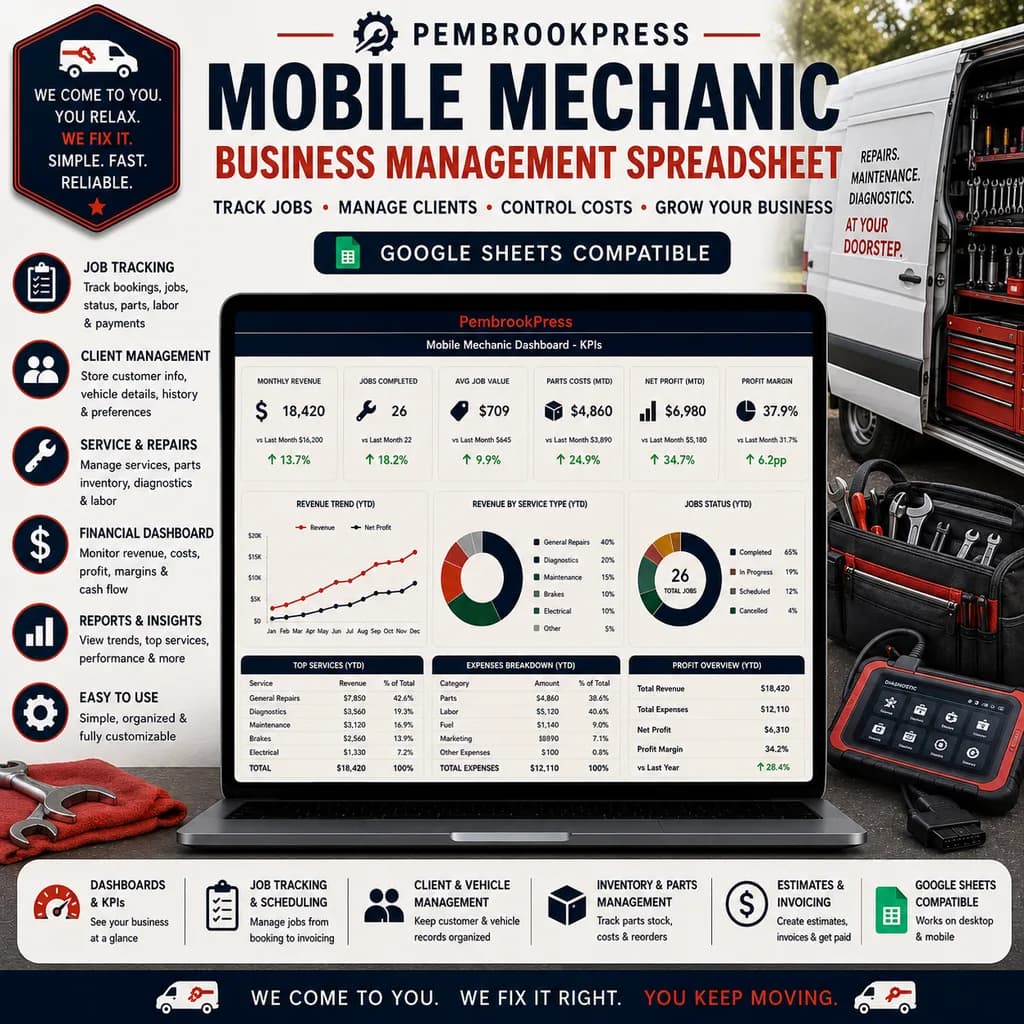
The Mobile Mechanic Business Spreadsheet and the Window Cleaning Business Spreadsheet are both built around quote-in-driveway logic. Inputs are minimal, the formula does the work, and the customer hears a confident number in the moment instead of a wishy-washy "let me check and get back to you." Faster quoting alone is worth thousands per year, the close rate on same-visit quotes is roughly 3x the close rate on next-day quotes.
Build invoicing that takes 30 seconds
Most solo operators are losing the equivalent of one job a week to invoicing friction. The job gets done, the customer leaves, and the invoice sits half-built in a notebook for three days while the next batch of jobs piles up. Some of those invoices never get sent. Some get sent late and paid later. Some get sent and forgotten about until you realize at month-end that someone owes you $640.
A real mobile invoicing flow is:
- Job logged at the curb in the same row as the quote
- Total, tax, and payment terms auto-calculated
- One tap to send (or one swipe to take card payment via Square, Stripe, or whatever you use)
- Payment status updated when money arrives
This is a five-minute discipline that, multiplied across a year, is the difference between collecting 100% of what you're owed and collecting 85%. The 15% you're not collecting is your vacation, your truck upgrade, your kid's braces.
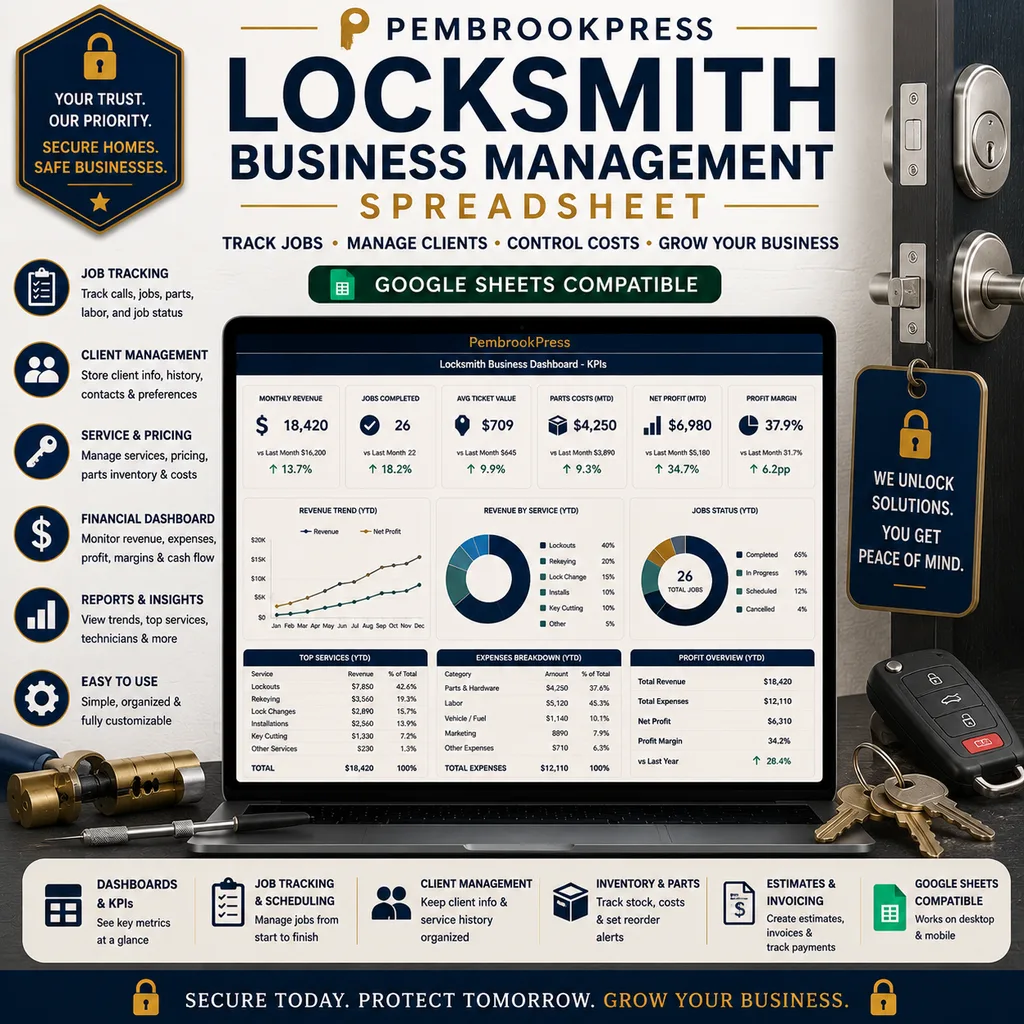
The trade-specific business toolkits all include a structured job log that doubles as invoice-ready output. The Locksmith Business Spreadsheet is a clean example, service call logged with key types, lock model, labor minutes, parts cost, and customer info, then invoice fields populate cleanly for a same-day send.
Schedule like dispatch, not like a personal calendar
Solo service operators usually run their schedule out of a notes app or a paper calendar. That works until you hit roughly 8 jobs a day or 35 jobs a week. After that, the dropped balls start showing up: double-booked windows, drive routes that zigzag across town wasting two hours of fuel, customers who say "I called yesterday and never got a callback."
You don't need fancy dispatch software. You need:
- A weekly view that shows every booked job with address, time window, and contact
- A geographic logic check, are the morning's jobs in the same area, or are you driving 40 miles between two of them?
- A callback queue so leads that came in don't fall off the bottom of your inbox
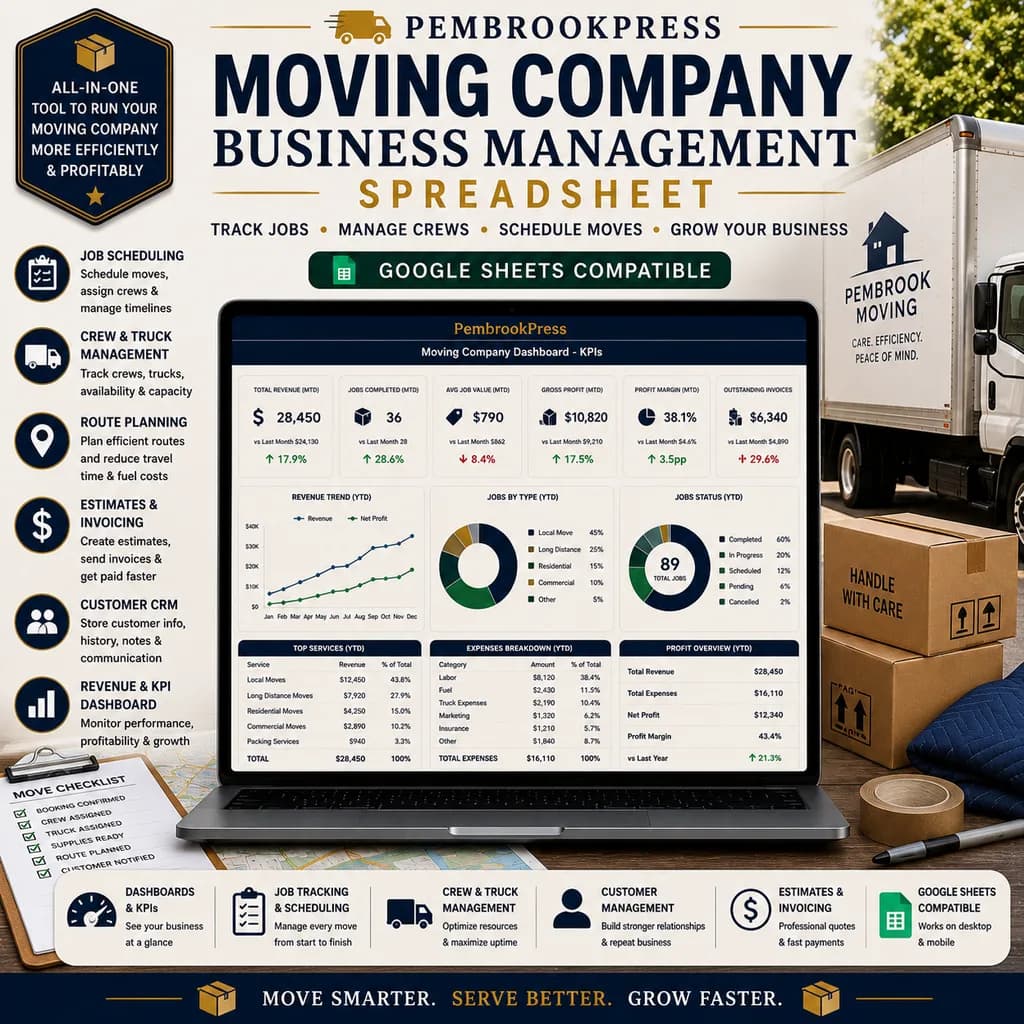
The Moving Company Business Spreadsheet handles dispatch and crew scheduling natively, quote-to-booked-job conversion, crew assignment, stairs and distance baked into the price, plus a customer review log for the inevitable follow-up. The same scheduling logic applies to any trade where you're routing labor through a day, and most of the trade toolkits in our service business library use a version of it.
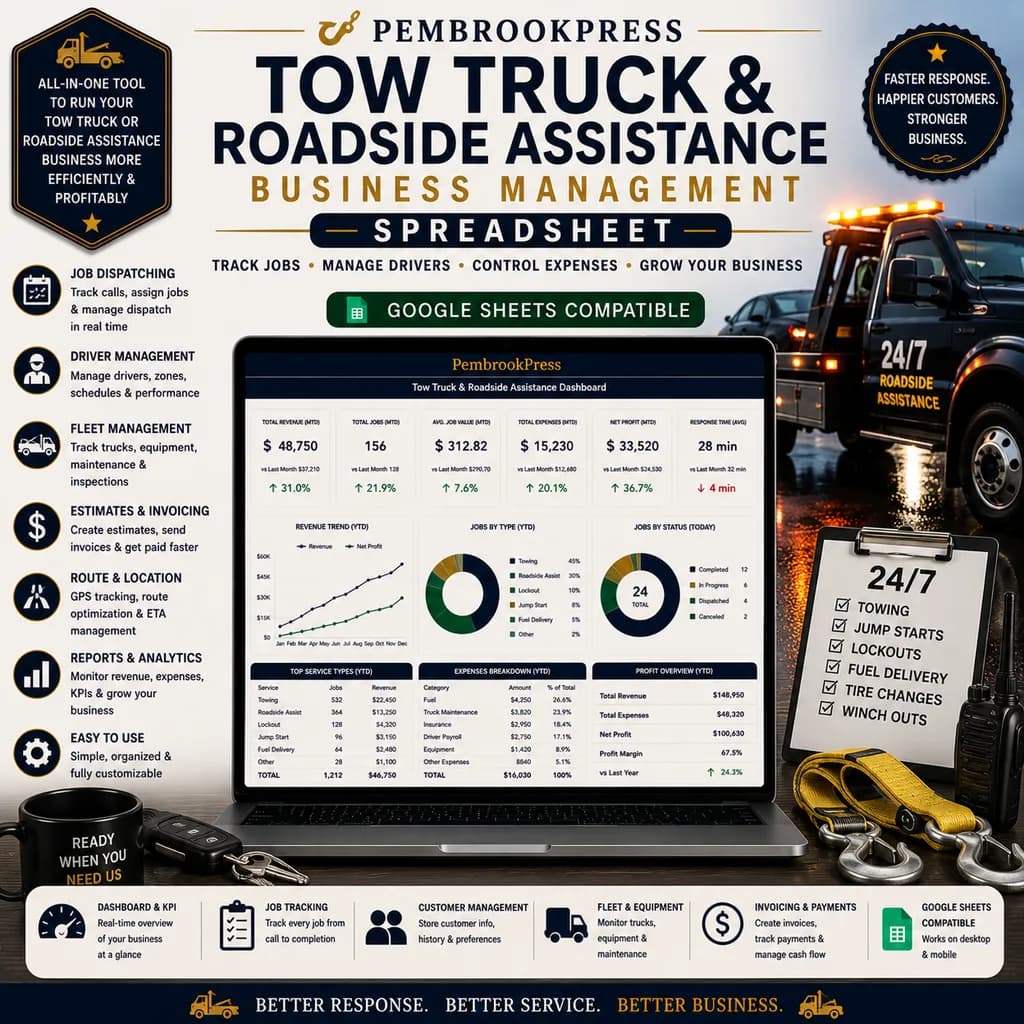
If you're doing roadside or emergency work, the rhythm is different, you're not pre-scheduling, you're responding. The Tow Truck & Roadside Assistance Spreadsheet is built for that: call logged on arrival, service type, mileage and tow fee calculated by zone, payment captured, and a customer record built for repeat calls or insurance billing.
Know your numbers before tax season finds you
The single most expensive surprise in a solo service business is the April tax bill that's twice what you expected because you weren't tracking deductions through the year.
Things you're almost certainly deducting and probably not tracking carefully enough:
- Mileage between jobs. At the federal rate (currently 67¢ per mile and rising), even 200 work miles a week is $7,000+ a year in deductions.
- Vehicle costs. Gas, repairs, insurance, tires, registration, partially or fully deductible depending on use percentage.
- Tools and equipment. Section 179 lets you deduct most equipment in the year you buy it.
- Phone and software. Your phone bill is partially business use.
- Supplies and small parts. Tracked job-by-job, these add up to thousands.
- Marketing. Yard signs, business cards, the Facebook boost you ran last spring.
- Continuing education and licensing. All deductible.
If you're tracking these in your head, you're leaving 15–30% of legitimate deductions on the table. A well-structured business spreadsheet that captures these in the daily flow, not at year-end, is worth the cost of the template in the first month.
The right tool for your trade
Generic small-business software treats a mover, a locksmith, a mechanic, and a window cleaner as the same business. They aren't. The metrics are different, the pricing inputs are different, the customer rhythm is different, the cost structure is different.
The shortcut for solo operators: pick a spreadsheet built for your trade and use it as the operating system of your business. Trade-specific toolkits exist for mobile mechanics, window cleaners, locksmiths, movers, tow operators, garage door techs, fencing contractors, chimney sweeps, irrigation installers, welders, pest control operators, appliance repair, flooring installers, and the list keeps growing because every trade has its own math.
Get the system in place this week
You don't need to overhaul everything at once. The minimum viable mobile operating system for a solo service business is:
- A pricing calculator you can run in 60 seconds
- A job log that doubles as invoice-ready output
- A weekly schedule visible at a glance
- A monthly P&L view that takes 5 minutes to update
Set up those four this week. By month two, you'll be quoting faster, collecting more reliably, routing smarter, and you'll know whether the business is actually making money, not just keeping you busy.
Start with the trade template closest to yours
If you're in auto, start with the Mobile Mechanic Business Spreadsheet. If you're in cleaning, the Window Cleaning Business Spreadsheet. If you're in moving, the Moving Company Business Spreadsheet. Other trades have their own. Pick the one closest to your work, set it up in one focused hour, and stop running your business out of your head and a glove box notebook. The week you make the switch is the week your margins finally start showing up where they belong, in your pocket.
Mobile Mechanic Business
Routes, parts markup, labor hours, and a client-vehicle database. Every roadside call accounted for.