How to Actually Finish a Home Renovation Without Going Broke
Most home renos blow the budget by 30-60%. Here's the renovation project planner approach that keeps the kitchen remodel from eating your savings.
Your contractor lied. Not on purpose, mostly. But the number they quoted in March is not the number you're going to pay in October, and if you don't know that going in, the renovation is going to break you.
Every homeowner who's been through a real renovation tells the same story: the kitchen was supposed to be $38,000 and ended up at $61,000. The bathroom was supposed to take six weeks and took fourteen. The addition was supposed to be "mostly cosmetic" and turned into a structural rebuild because of what they found behind the drywall. The pattern is so consistent it's basically a law of physics, renovations overrun by 30 to 60 percent, and the overrun is the part that puts people on credit cards they spend three years paying down.
You can't eliminate the overrun. You can plan for it, track it in real time, and make sure that when surprises hit, you have the information to make a smart call instead of a panicked one.
Here's how to actually finish a home renovation without going broke.
Build the budget at three numbers, not one
The biggest mistake homeowners make is treating their renovation budget as a single number. "We have $45,000 for the kitchen." That's a fantasy, and the fantasy is what gets you in trouble.
A real renovation budget has three numbers:
- The target, what you actually expect it to cost based on your quotes. This is the number you tell yourself.
- The cap, the absolute maximum you can spend without taking on debt or raiding savings you can't replace. This is the number you tell your contractor about, by the way you behave with change orders.
- The walk-away, the number that, if exceeded, means you stop the project, scope it down, or pause until you can afford the next phase.
For most kitchen remodels, the target should be your contractor's estimate plus 15%. The cap should be the target plus another 15%. The walk-away should be the cap plus 10%. So a $45,000 target becomes a $52,000 cap and a $57,000 walk-away. If the project crosses $57,000, you stop and renegotiate scope, you don't just keep signing change orders because you're already in.
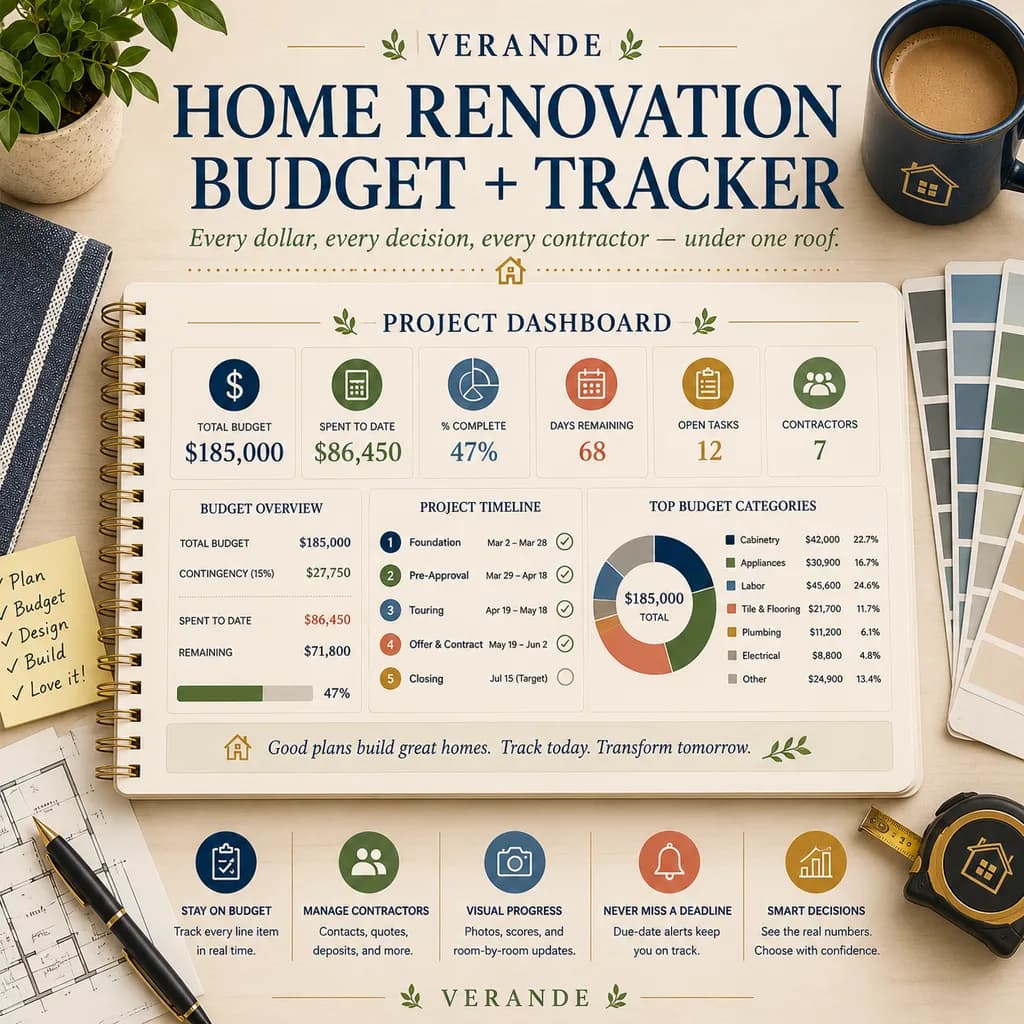
The Home Renovation Tracker is built around this three-tier model. Every line item, cabinets, countertops, plumbing, electrical, labor, permits, appliances, has a target, an actual, and a delta. The dashboard shows you, in real time, where you are against your cap. When a contractor hands you a $4,200 change order for unforeseen plumbing, you can see in 30 seconds whether saying yes pushes you past the line or whether you've got room.
People who track this way spend 20 to 25 percent less than people who don't, not because they negotiate harder but because they catch the slide before it becomes a cliff.
Plan for the surprises that aren't surprises
Every renovation has "unexpected" costs that experienced contractors know are coming. The fact that you don't know about them doesn't make them surprises. It makes you the only person in the room without the data.
The list of "surprises" that show up in 70%+ of renovations:
- Subfloor damage under old tile or vinyl, especially in bathrooms and kitchens, $800 to $3,500 to fix
- Outdated electrical that doesn't meet current code, usually $1,500 to $6,000 to bring up
- Plumbing that needs to move even when the layout doesn't change, $500 to $4,000 depending on what's behind the wall
- HVAC modifications when you change a wall or add square footage, $1,200 to $5,000
- Permitting overages because the original permit didn't cover what you actually had to do, $300 to $2,000
- Disposal and dumpster fees that the bid quietly excluded, $400 to $1,500
- The "while we're at it" trap, replacing the dishwasher because the new floor doesn't quite work with the old one, repainting the dining room because the new kitchen makes the old paint look dingy
Add these up. For a mid-range $45,000 kitchen, the realistic "surprise" load is $6,000 to $11,000. That's why your 15% buffer needs to actually be there, in cash, before you start. Not on a HELOC. Not on a card. In a separate savings account labeled "reno reserve," fully funded on day one.
If you can't fund the reserve, you can't afford the project. That's the hard truth. Better to know it before you've ripped out the cabinets than after.
Sequence the project so cash flow doesn't strangle you
A renovation isn't one bill. It's a sequence of payments, deposit, draws at milestones, final on completion, plus the running stream of materials, finishes, permits, and inspection fees. If you don't sequence the cash flow against your actual income, you can run a project that's "on budget" and still end up borrowing because the wrong bills hit the wrong week.
Map every payment against the calendar before the work starts:
- List every expected payment, deposit, draw 1, draw 2, draw 3, final, plus all known material purchases (cabinets, appliances, fixtures, flooring, paint).
- Tag each with the expected week it'll hit.
- Stack it against your normal monthly cash flow (mortgage, utilities, groceries, the rest of life that doesn't pause for the renovation).
- Identify the pinch weeks, the ones where two big payments land near each other, and pre-fund those.
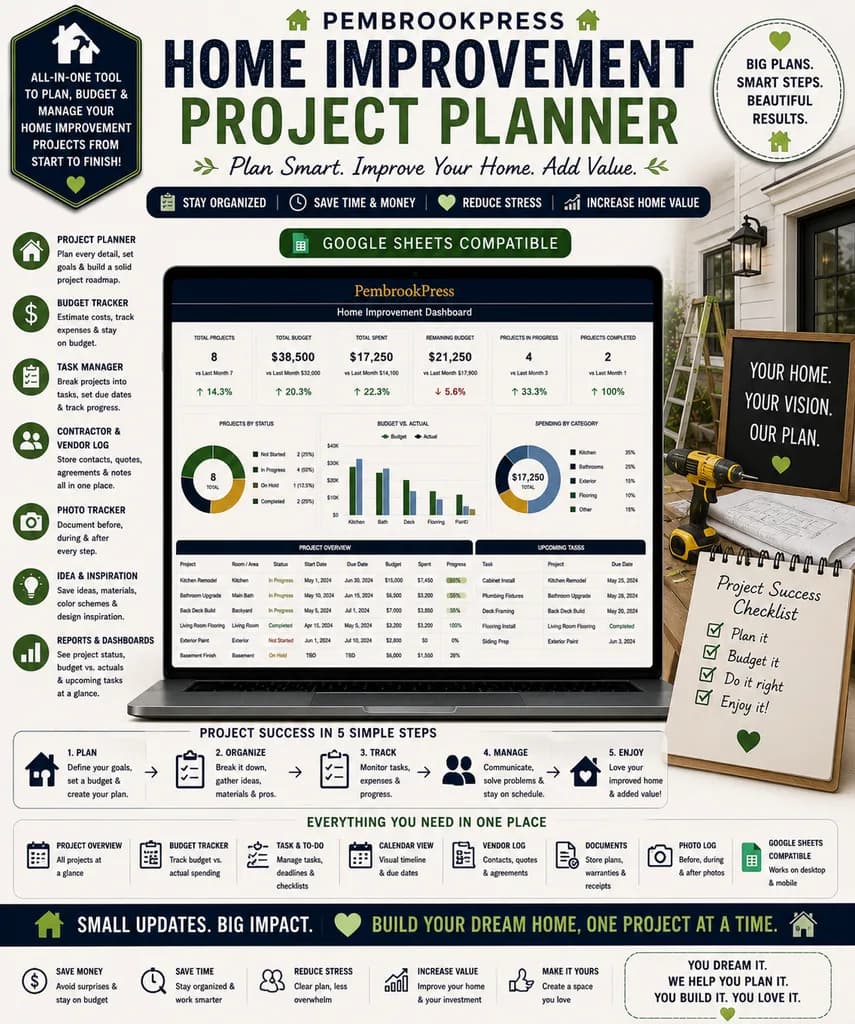
The Home Improvement Project Planner handles this exact sequencing. It maps the project timeline against your cash flow so you can see, three months out, that draw 3 plus the appliance delivery plus your normal mortgage payment all land the same week. That's the kind of trap that makes people put $8,000 on a credit card they didn't plan to use.
Sequencing also forces you to make decisions early. The reason most renovations get delayed isn't the contractor, it's that the homeowner hasn't picked the tile yet, and the project waits while they shop. Pick everything before the demo starts. All of it. The vague "we'll figure it out" approach adds weeks of delay, which adds days of labor cost, which is the second-largest source of overruns.
Negotiate the contract, not just the price
The single most important sentence in your renovation contract isn't the price. It's the change order process. If your contract doesn't specify, in writing, that no work above $500 happens without your written approval, you're going to get a final invoice with $11,000 of "necessary additions" you don't remember authorizing.
What to insist on, in writing, before you sign:
- Written change orders required for anything over $500. No verbal approvals. No "we'll add it to the invoice."
- A fixed allowance for unknown conditions, say, $4,000, that the contractor can pull from without a change order, but anything beyond it requires sign-off
- Payment schedule tied to specific milestones, not dates. You pay when work is verifiably complete, not because it's the 15th of the month
- A defined punch list process at the end, what counts as "done," who confirms it, and what's withheld until it's signed off
- A daily site contact, one person you call when something comes up, not a rotating cast
This isn't being difficult. This is being someone the contractor takes seriously. Contractors who balk at these terms are the ones who were planning to use the loose language against you.
The bigger-picture renovation: when "renovate" is actually "move"
Sometimes the right answer isn't a renovation at all. If you're three bedrooms in a two-bedroom house, with a $90,000 addition quote, you may be better off selling and buying than building. The math depends on your local market, your equity position, and how long you plan to stay.
A rule of thumb: if the renovation cost is more than 20% of your home's current value, run the buy-vs-renovate analysis seriously before you commit. Sometimes the addition makes sense. Sometimes the smarter move is to sell, take your equity, and find a house that already has the bones you need.
If you're early enough in the decision that "move" is still on the table, the Home Buying Journey tracker walks you through the parallel evaluation, what your current house could sell for, what comparable upgraded houses cost, what your monthly payment looks like at the new price, and whether the move actually solves the problem the renovation was trying to solve. People who run this analysis often end up renovating anyway, but they renovate with confidence instead of with a creeping fear they made the wrong call.
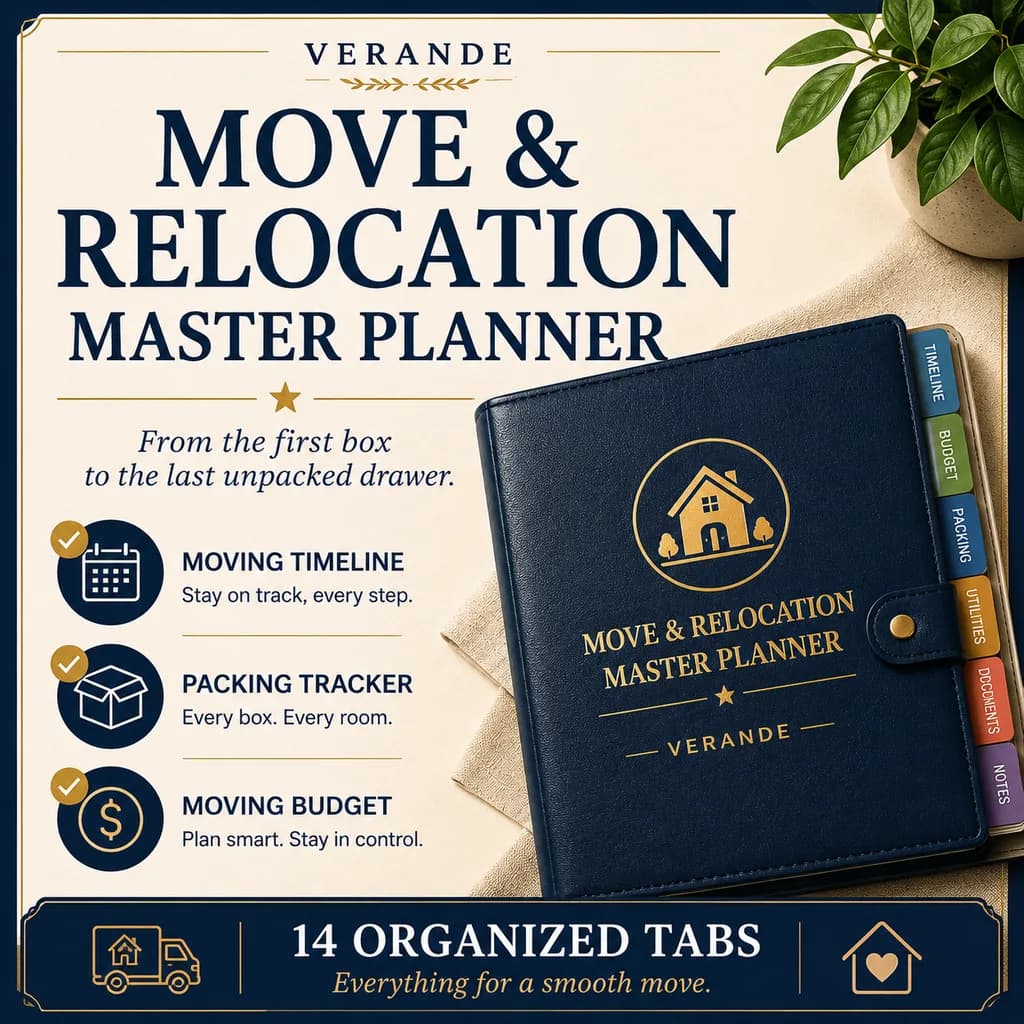
And if the answer turns out to be "move," the Move Planner takes you from listing through closing without missing the small stuff that gets expensive, utility transfers, address changes, moving quotes, the timeline coordination that turns moves from chaos into a project.
Start with the budget, not the Pinterest board
Don't pick the tile first. Don't pick the cabinets first. Pick the budget first, target, cap, walk-away, and then design within it. Every renovation that breaks people starts with a wish list and tries to back-solve to a budget. The ones that finish on time and on number do the opposite.
The Home Renovation Tracker gets you set up in an afternoon, every line item, every payment, every change order in one view, with running totals against your cap. Pair it with the Home Improvement Project Planner for the timeline and cash-flow sequencing.
The renovation isn't going to be cheap. But it doesn't have to be the thing that wrecks your finances. The difference between a good renovation and a disaster isn't usually the contractor. It's whether the homeowner knew, the whole way through, exactly where they stood.
Home Renovation Tracker
Master budget, room-by-room costs, contractor bids, payment schedule, change order log, and a punch list, no surprises.